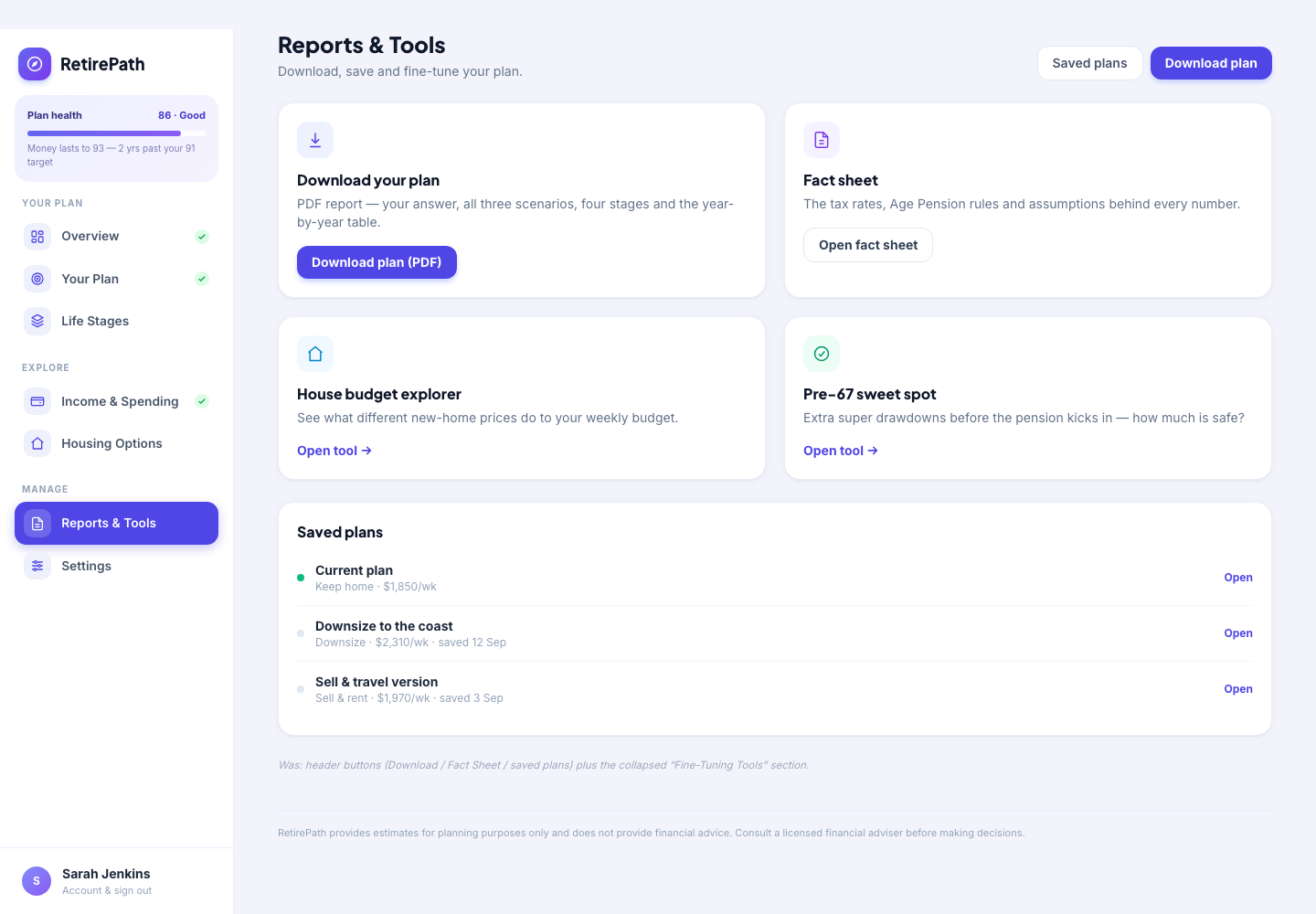
Export a clean PDF of the plan for the fridge door or the adviser meeting — and save as many versions as you like, so "retire at 62 vs 65" is a comparison, not a memory test.
Name it, add notes, keep it. Your whole input set is stored against your account — not lost when the laptop closes.
Downsize version, retire-early version, spend-more version — each saved separately, each restorable in one click.
Every saved plan shows its headline outcomes — max weekly spend and money-lasts-to age for each housing option — without loading it.
A one-page fact sheet for a quick look, or the full report for the kitchen-table conversation — both as PDF.
The essential figures — spend, lasts-to age, scenario verdicts — on a single printable page.
The whole projection exported: inputs, assumptions, year-by-year numbers — ready to discuss with anyone.
Keep every version. Naming and notes mean "the downsizing one from March" is findable.
Load any saved plan back into the dashboard instantly — pick up exactly where that version left off.
Walk into a professional meeting with your scenario already priced — a sharper conversation, billed in fewer minutes.
Plans are yours — saved to your account, exportable, and deleted if you ever leave.
Save, compare and export — free to try.
Start your free trialQuestions first? Talk to us